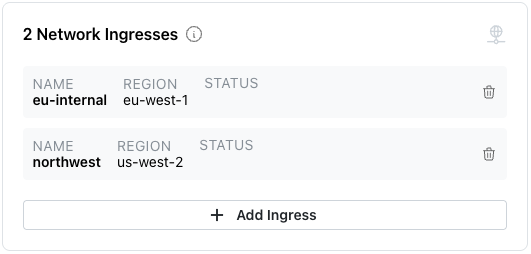
Adding an Ingress to a Private Cluster
When you create a private Cloud cluster, you restrict access to only those users on your local network. You can define an ingress for users not on your network that exposes AI Tooling for use.
Note
An ingress into a private network is used only for services (like AI tools), and does not accept Postgres database connections.
To add a network ingress to your cluster, select Add Ingress from the
Actions
drop-down menu.
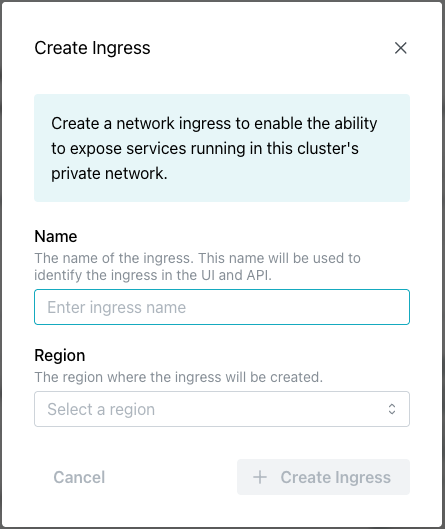
Complete the Create Ingress dialog; use the:
-
Namefield to enter a name for the ingress. This name is used to identify the ingress in the UI and API. -
Regionfield to select the region where the ingress will be created.
After completing the dialog, select the + Create Ingress icon to create the
defined ingress.
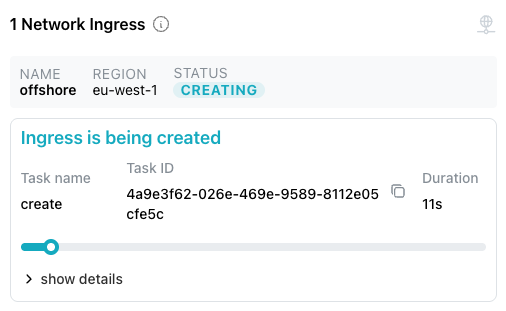
Defined ingresses are displayed on the Cluster dialog: