Reviewing Backup Details
You can use the pgEdge Starfleet BYOC Backups dialog to take, restore, and
manage backups of your database. To open the Backups dialog, highlight a
database name, and then select the Backups node from the navigation tree in
the left-side panel.
By default, BYOC databases are automatically backed up once every 24 hours.
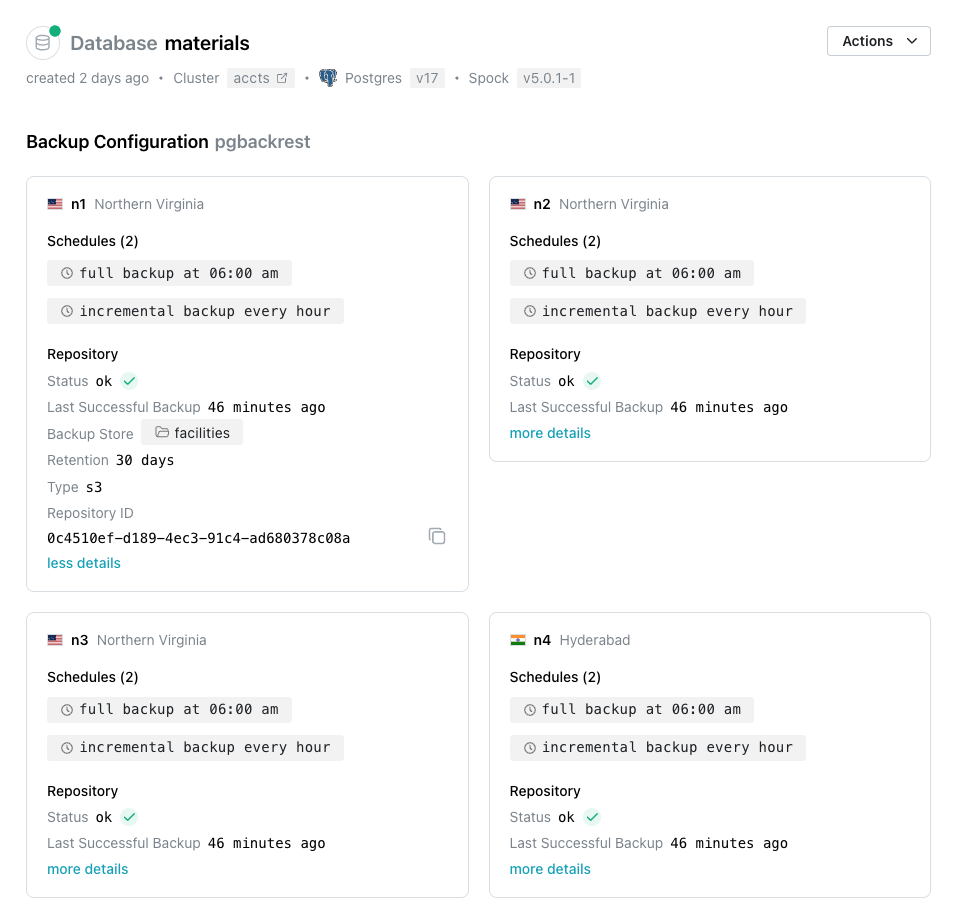
The top section of the Backups dialog displays a Backup Configuration pane
for each node in your cluster. Within a pane, click more details to expand
the information displaying backup details for the node.
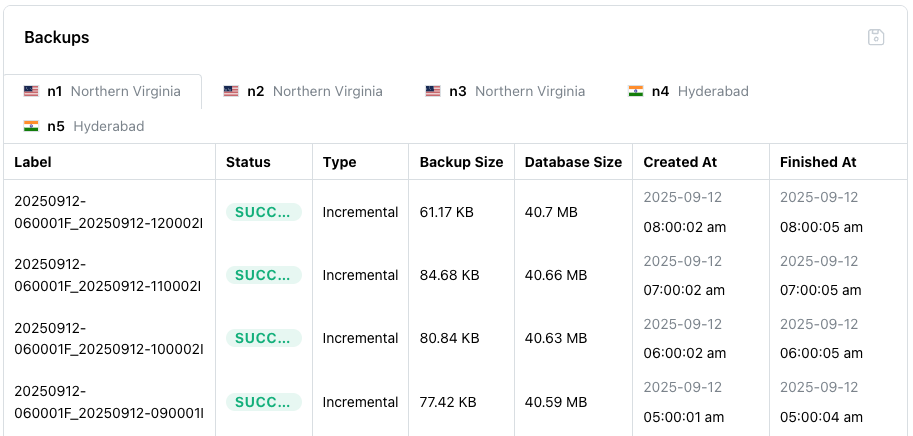
Scroll down to review the Backups table; the table displays detailed
information about each backup taken.