Troubleshooting pgEdge Starfleet BYOC Issues
Terraform apply failed: Error: creating EC2 VPC
When spinning up a cluster, if you encounter an error with the text:
terraform apply failed: Error: creating EC2 VPC: operation error EC2: CreateVpc, https response error StatusCode: 400, RequestID: fa9c832a-6789-47aa-a818-1cf272984fcc, api error VpcLimitExceeded: The maximum number of VPCs has been reached. Error: creating EC2 VPC: operation error EC2: CreateVpc, https response error StatusCode: 400, RequestID: 075bf34e-e7bc-4780-9854-2b9615d6a85b, api error VpcLimitExceeded: The maximum number of VPCs has been reached.
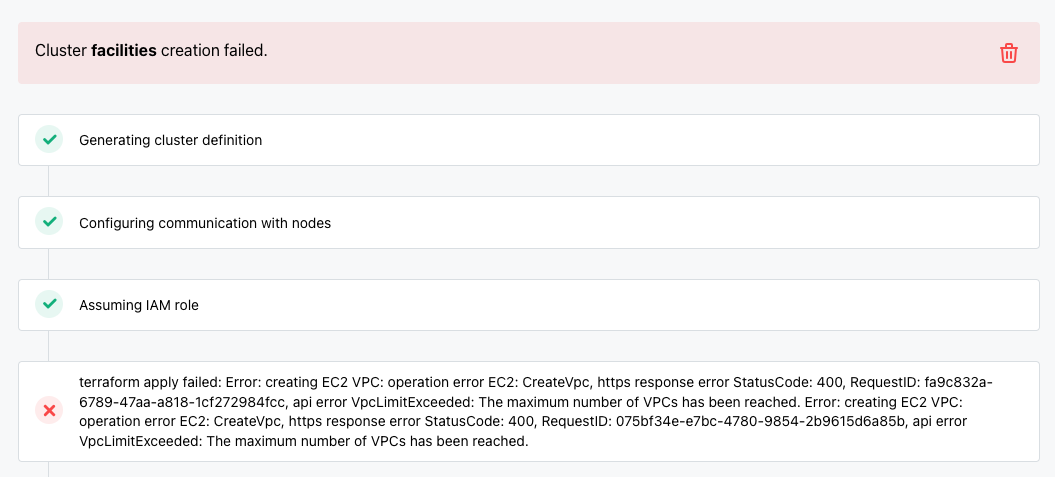
This error occurs when you have reached the maximum number of VPCs allocated
for your region; by default, 5 VPCs are allocated. To increase the number of
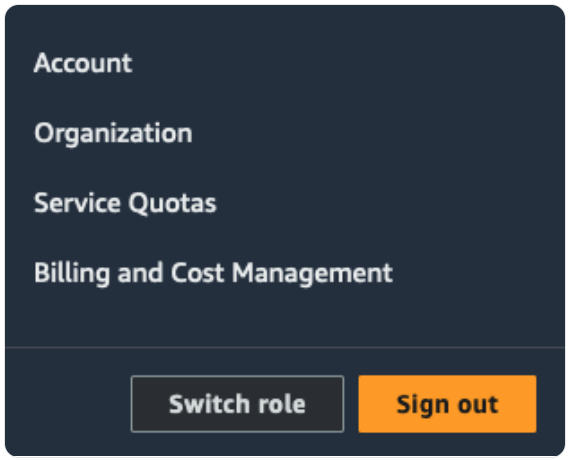
allocated VPCs for your account, log in to the AWS management console, and
submit an increase request by selecting Service Quotas from the drop-down
menu in the upper-right corner:
For more information about viewing and managing service quotas on AWS, please see the AWS documentation.