Connecting with SSH
To connect to a pgEdge Starfleet BYOC node with ssh, specify the complete path
and name of your SSH private key in the connection string. You should always
use the identity of the pgedge user when connecting to the
External IP Address noted in the BYOC console. Use the following signature
when connecting:
ssh -i path_to_key_file/key_file_name.pem pgedge@external_IP_address
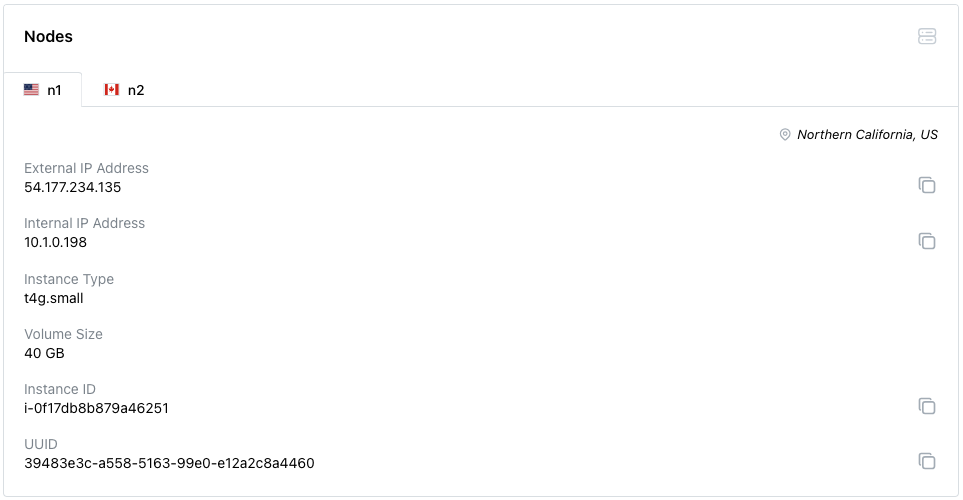
To locate the External IP Address, select the name of the cluster in the BYOC
console navigation pane. Scroll down to the Nodes tab, and select the
name/location of the node to which you wish to connect. The first IP address in
the Node Information section is the address you should use for SSH
connections.